 MixSift
Listen for a pattern, not separate kit tracks
The Drums stem is one combined estimate. MixSift does not provide separate kick, snare, hi-hat or cymbal tracks, and it does not transcribe a drum part. Choose a question you can answer by listening: the placement of a fill, the pulse under a syncopation or a change in the groove.
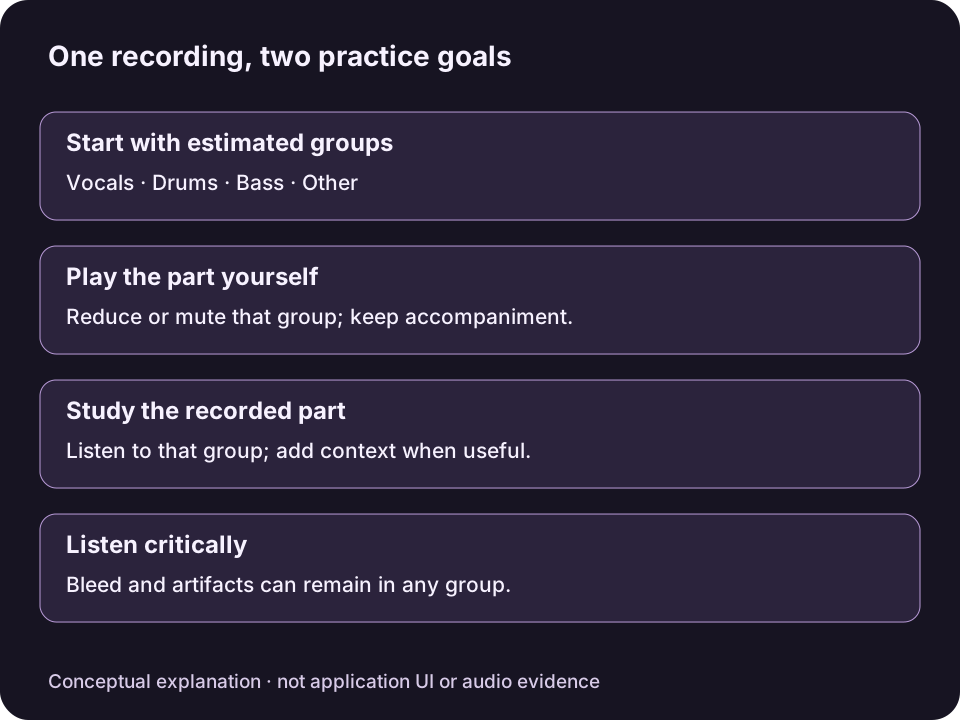
Original conceptual diagram, not MixSift UI or an audio result. Separation can leave bleed; a quiet group is not proof that its instrument is absent elsewhere.View full-size diagram ↗
Use a completed four-stem project. If you need to create one, follow the local-file preparation steps.
Hear the part in two contexts
Choose Full Mix before starting. It replaces the current Level, Mute and Solo settings. Ensure Drums is unmuted, then Solo Drums.
Listen to the combined kit. Concentrate on a single rhythmic feature rather than trying to identify every sound at once.
Solo Bass as well to hear both parts together. Compare the drum accents with bass entries; multiple Solo selections are allowed.
Clear all Solo selections and listen in the full arrangement. Check whether an apparent drum accent is actually a rhythmic sound in Other.
Mute overrides Solo. If you previously made a drumless backing and Drums remains muted, adding Solo alone will not make it audible. Level attenuates within −60 to 0 dB; use comfortable Master Volume for listening.
Keep source uncertainty in the learning process
Separation may soften attacks, leave a swishing tail or place percussion partly in another stem. Do not assume a faint hit was played softly or that an absent transient proves a rest. Compare the source and surrounding parts before copying a detail into your practice.
Other can include rhythmic instruments as well as harmony. Hearing a pulse there does not mean the app offers another dedicated percussion track.
Turn study into a play-along task
After learning the phrase, clear the study Solo selections. To play the drum part yourself, use the drumless practice workflow, which excludes or lowers Drums while retaining the other parts. Soloing Drums does the reverse.
If you save a study balance with Export Mix, it remains a full-song audio file, not a selected passage, score or MIDI drum sequence. See the output guide before choosing a file type. No processed example or human listening result is presented here.