 MixSift
Decide what the singer needs
A karaoke backing track should leave room for your voice while keeping useful musical cues. You may want the lead vocal silent for performance or quieter for learning entrances. Decide that before adjusting the mix. MixSift creates audio backing files; it does not generate synchronized lyrics or a karaoke lyric display.
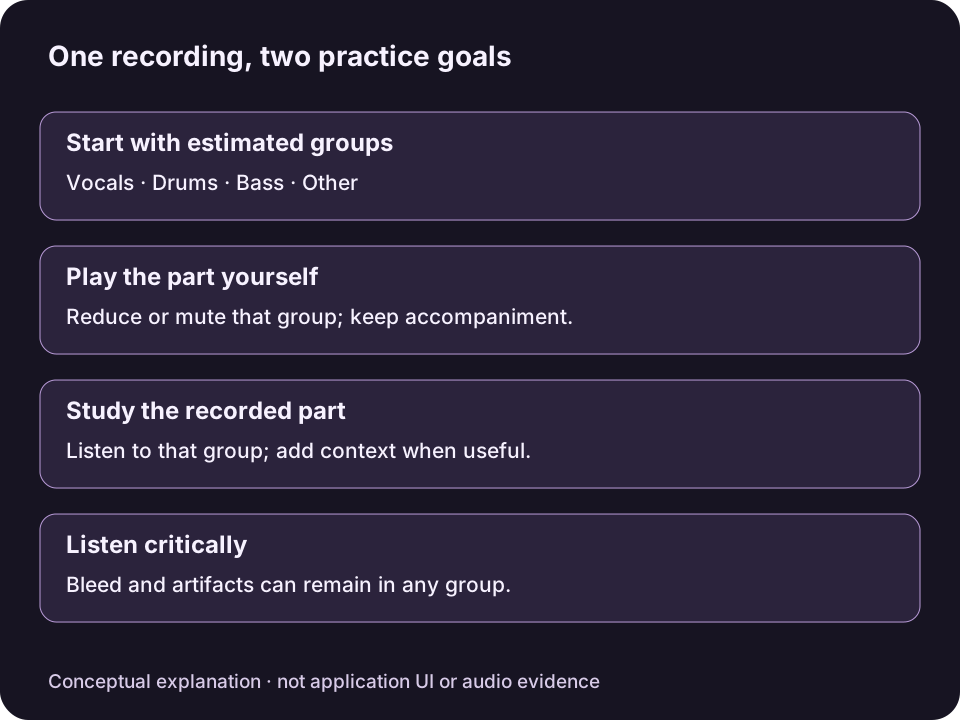
Original conceptual diagram, not MixSift UI or an audio result. Separation can leave bleed; a quiet group is not proof that its instrument is absent elsewhere.View full-size diagram ↗
Start with a completed four-stem project on an Apple Silicon M1 or later Mac with macOS 14 or later. Use audio you are entitled to use; making a backing does not grant permission to share it or perform it publicly.
For the first separation and mixer setup, follow the local vocal-removal workflow. This guide starts with the finished project.
Build a singable balance
Choose Sing Along — No Vocals under Practice Mix before making personal adjustments. It mutes Vocals and replaces existing Level, Mute and Solo settings with the preset defaults.
Play Mix and listen for entrances, count-ins and quieter transitions. Keep the accompaniment you need; lower an overpowering backing stem rather than removing every cue.
For a guide vocal, turn Vocals Mute off and lower its Level. For a backing without that stem, leave Vocals muted. Clear any temporary Solo selections before judging the full backing.
Level attenuates from −60 to 0 dB; it cannot boost a stem above its default. A low level is not the same as Mute. Backing vocals or reverb may remain in other stems even when Vocals is muted.
Save for the player you will use
Open Export Mix… and review included/excluded stems, Format, Filename and Destination. Choose WAV, AIFF or FLAC according to what your playback device accepts.
Confirm Export Mix to save the full song using the confirmed Level, Mute and Solo snapshot. Master Volume and the metronome are listening-only and are excluded.
Use Show Export in Finder and open the result in the intended player. Check the opening, ending and transitions before rehearsal. If the balance is unsuitable, change the mixer and export a new file.
This workflow does not save a selected region, loop, tempo change or pitch change. A player that only accepts another format needs a separate compatible-file workflow; Export Mix does not offer MP3 or AAC.
Judge usefulness rather than silence alone
A faint vocal remnant may be acceptable as a learning cue but distracting in a performance backing. Listen in the actual rehearsal context and keep the original recording for comparison. Separation can also affect instrumental detail, so a fully muted Vocals stem does not prove a clean instrumental result.